Showing posts with label digital design. Show all posts

8/22/2014

New digs


We did a little redecorating around here. Did you notice? All the stuff that blogger would let me change has been changed.

I was sort of sick of the last design. I put it together when we were adopting. When I was trying to figure out what I really wanted to do with this blog. When we made the gentle shift from being a blog that was only read by people I knew, to a blog that was read by a broader audience. When I realized that many people were touched by our adoption story, and those people were coming to hear more about the crazy things that God was doing with our family. People who didn’t know my entire life story, and frankly didn’t care what we did with our Saturday mornings.

So I feel myself shifting again, not back towards the “look at my breakfast” blog (heaven help me) but to acknowledge that people who have read my fiction might stop here. And I’d like to welcome them.

So if you’re on facebook I put together a newly decorated fan page to talk about all my stories, and all the stuff that passes through my brain that relates to my life as a writer.  

And…

If it makes it easier to remember, I made myself easier to search for by adding a static page.


There’s a tab on that page that’ll bring you here, but if there’s a way to get from here to there I haven’t figured that part out yet.

2/17/2012

Winter color palette challenge

It's February and we're a little tired of being less than inspired by the dismal winter color palette outside our windows. But my children need to recognize that every day is a gift, and each day has it's own unique beauty. If you're willing to look for it.
So with that in mind, I set out to create a winter color palette to inspire and challenge my crew to create. I selected these 5 colors based on what I saw outside my window and challenged them to do something with them.

Here's the palette they started with:


And here's the finished product:


 Louisa age 8
 

Annie age 8


Alex age 9 

Need help picking your own color palette? I found some great ones at Studio Press and Color Hunter. Check it out!


1/10/2012

Max art...

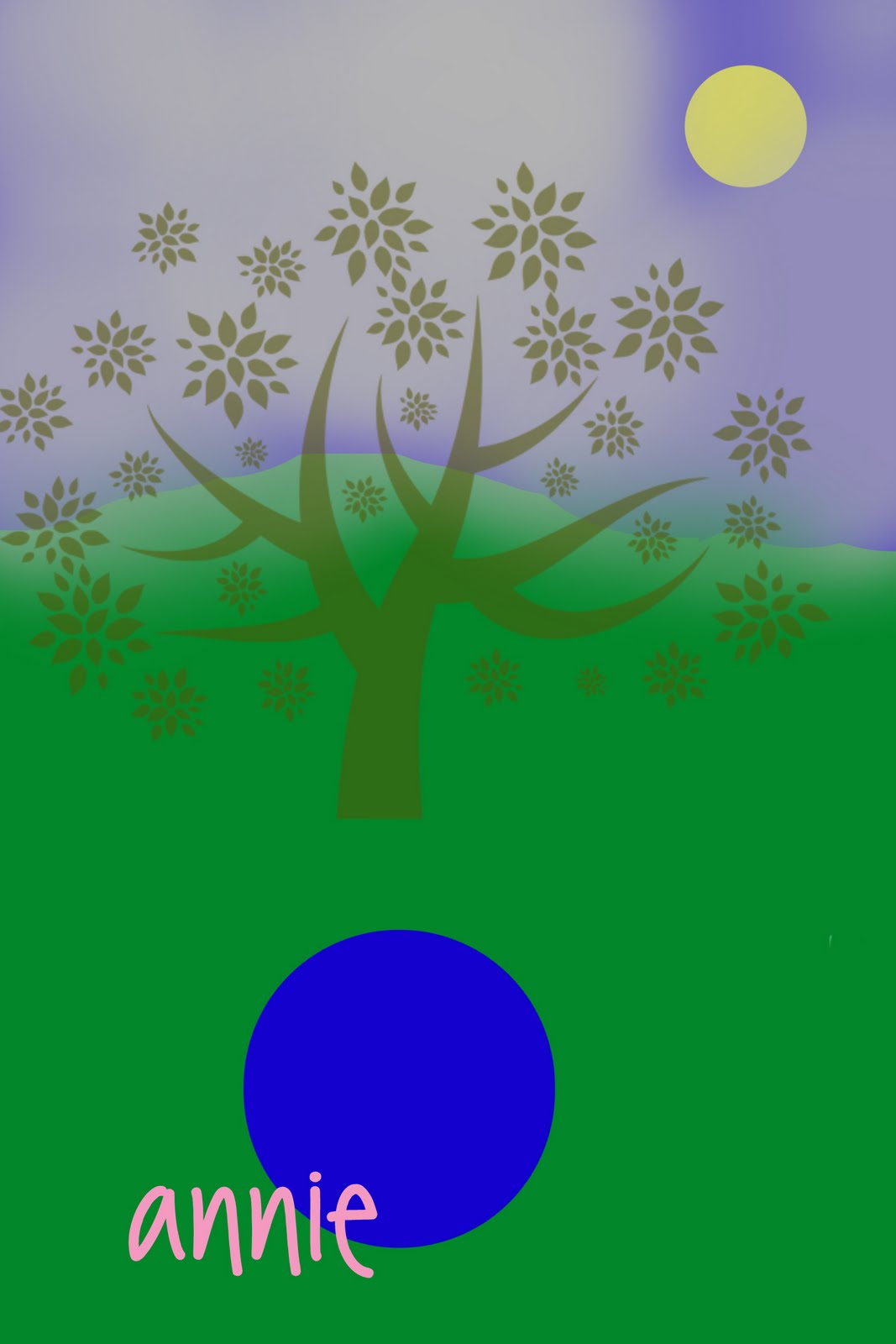
Max got to meet the computer graphic software last week. Wanna see the cute pic he made?


He calls it "Annie, Mama - foo" (translation - Annie and Mama are yuck!) 

If you look hard enough there are two large black circles under all the green, one is me and the other is Annie. Yes, I believe we are pretty foo with all that green paint all over us, aren't we. 
Wanna make your own digital graphic? We're giving away a software package from My Memories this week, leave a comment to be entered in the drawing.


1/06/2012

Digi scrapbook give away

Our first sponsor that I'm rather excited to tell you about is a scrapbook software called My Memories. My Memories is easy to use digital scrapbooking software, that comes with thousands of papers and embellishments to use on your pages. I found the software easy to use, and was impressed by the variety of options (patterned paper, page embellishments etc) already available for use.

What I liked:
Access to an active online community / blog for tech support and access to others who are using the same software. I spent a few minutes skimming the articles and really learned a lot about taking the software to the next level. Impressive.
The program is a simpler version of adobe, (which is what I use for my graphic elements). You can do almost everything that you can do with adobe, but it's more user friendly.
In addition to the millions of preprogrammed page options that the software comes with, the My Memories website ofters a large variety of free page elements that you can download. I was also able to use page elements from other sources, which I really liked.
I've also had a chance to chat with the people in tech support. They were very prompt at returning my emails, and very helpful with answering my questions. 

What I didn't like:
I'm an adobe girl, and I like creating my own and importing paint brushes. This software doesn't let you do that. Not a crisis, especially if you don't need to make your own brushes.
I also had difficulty saving my work as anything other than an .mms file, while it is possible to save it as a .jpg, it takes a little figuring to get it to work. But again, there is an online community to help dunce's like me to figure these things out.

So now that I've told you what I think, I am busting at the seams to give away a copy of the software to one lucky reader, so they can see what I'm talking about. Software is valued at $40 (which is a steal in my opinion), and can be downloaded directly from the site, so you can start playing in moments. Sooo... if you want to win, leave me a comment before midnight (eastern time) next Friday (Jan 13) and I'll enter you in the drawing. Winner announced on Monday January 16, 9:30 AM Eastern...

9/13/2011

computer crafting


I'm not the only one around here who's taken to this thing we've called digital design. The kids are loving it too. Anytime they see my computer on and I'm not glued to it, they open up their program and start something new. All 3 have particularly enjoy using the brushes I've already uploaded as inspiration for their little projects. Alex is starting to learn how to make his own brushes, and find images on the web to use in his projects.

Here are some of the recent ones.  


LinkWithin

Related Posts Plugin for WordPress, Blogger...